EdgeLynks · Engineering tooling
v1.3.0Smart BOM Sorter
Merge, normalize, cost and plan multi-sheet BOMs — intelligently. From a pile of inconsistent spreadsheets to a costed master BOM, a buildable-units figure and a per-vendor purchasing list, in five steps.
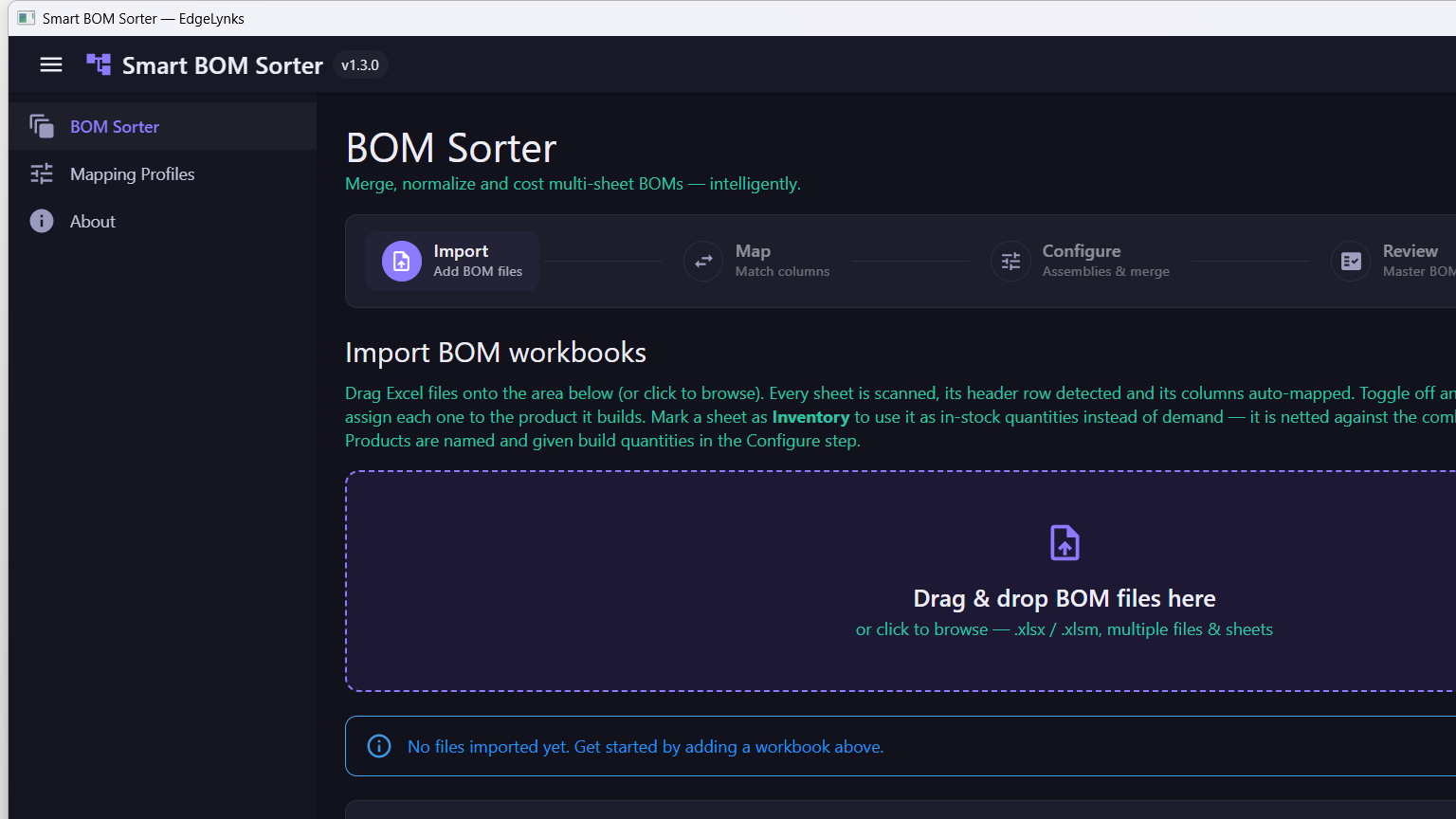
At a glance
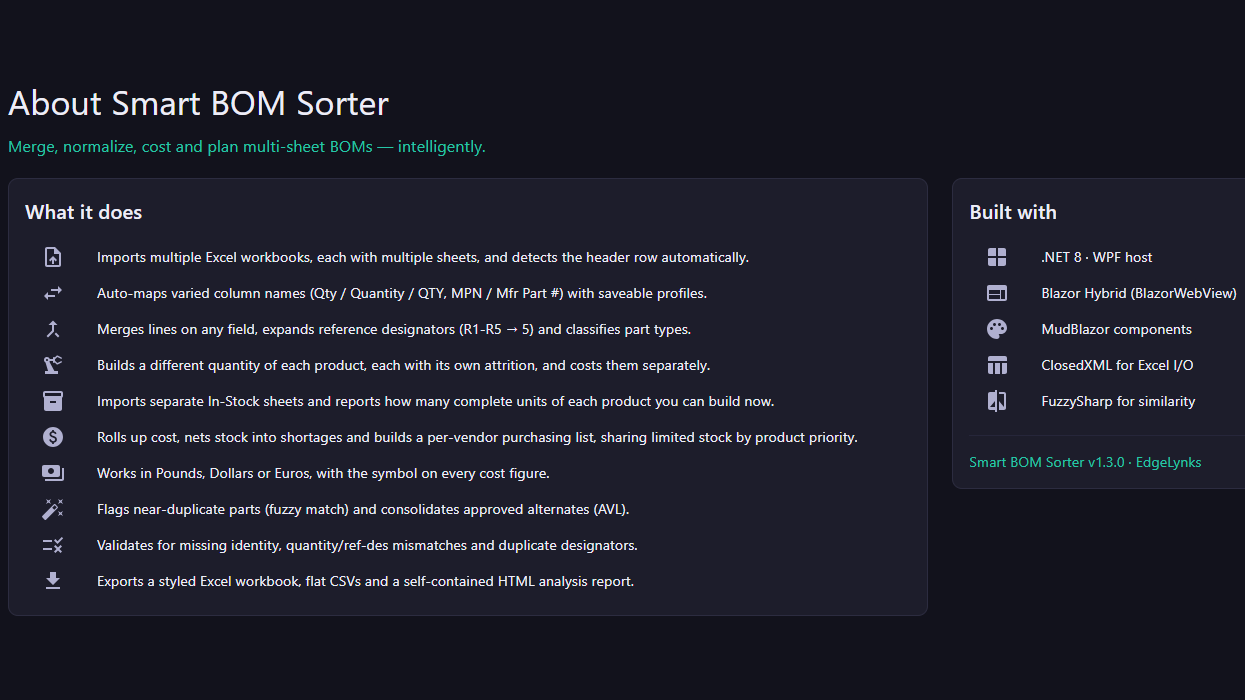
What happens at each stage
01
Import
Add BOM files
- Drag & drop .xlsx / .xlsm — many files, many sheets each
- Every sheet scanned, header row detected, columns auto-mapped
- Assign each sheet to the product it builds, or toggle it off
- Mark a sheet as Inventory — netted against demand, not added to it
02
Map
Match columns
- Columns are auto-mapped the moment a sheet is scanned — nothing to line up by hand
- Varied column names are matched: Qty / Quantity / QTY, MPN / Mfr Part #
- Save the mapping as a profile and it re-applies itself on the next import
- Mapping Profiles is its own section, so a supplier's layout is set up once
03
Configure
Assemblies & merge
- Name each product and set its own build quantity
- A separate attrition / waste percentage per product, costed separately
- Choose the field to merge on, with an optional secondary key
- Work in Pounds, Dollars or Euros — the symbol follows every cost figure
04
Review
Master BOM
- One consolidated master BOM across every product in the build
- How many complete units of each product you can build right now, from In-Stock sheets
- Cost roll-up, with the shortfall shared out by product priority into a per-vendor purchasing list
- Ref-des ranges expanded and part types classified from the prefix
- Validation: missing identity, quantity vs ref-des mismatches, duplicate designators
- Near-duplicate parts flagged by fuzzy match, approved alternates (AVL) consolidated
05
Export
Hand it to purchasing
- A styled Excel workbook
- Flat CSVs for import elsewhere
- A self-contained HTML analysis report
Platform
Windows 10/11 · per-user install, no admin rights
Reads
Excel .xlsx / .xlsm — multiple workbooks, multiple sheets
Writes
Styled Excel · CSV · HTML analysis report
Want it for your build?
Smart BOM Sorter is one of the tools we build for our own engineering work — and we build them for clients too. Tell us what your BOMs look like.
support@edgelynks.com · +44 (791) 674-0734